MPay Moldova: How to Pay Public Services Online and Check Payments

What Is MPay and How Does It Work in Moldova?
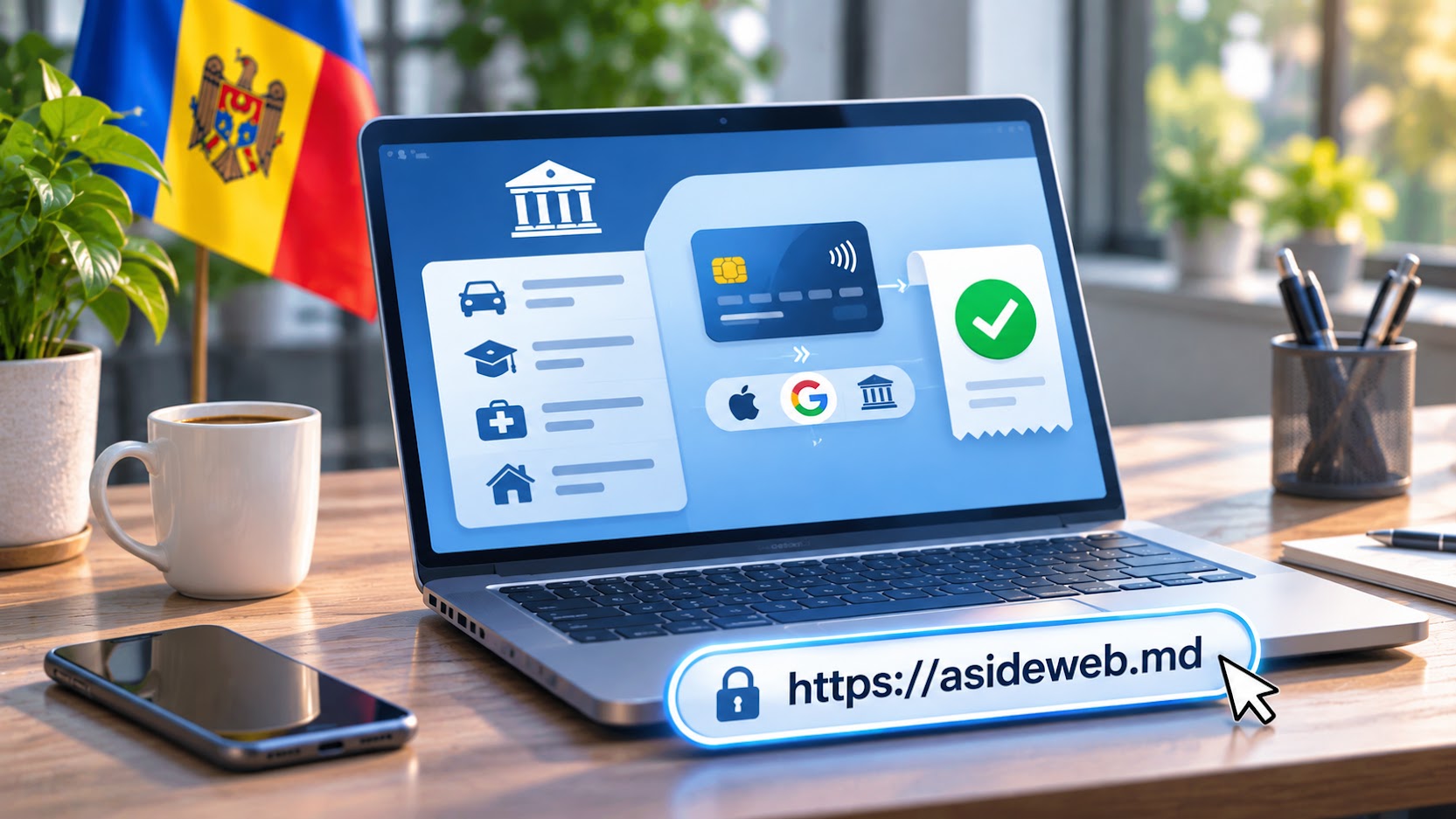
MPay is the government electronic payment service of the Republic of Moldova. It allows individuals and businesses to pay for various public services online, without having to visit institutional payment offices or rely on paper-based payment procedures.
Through MPay, users can pay taxes, fees, fines, administrative service charges and other payments to public institutions. Certain services provided by private companies connected to the platform may also be available.
Official platform address: mpay.gov.md.
Which Services Can You Pay for Through MPay?
The MPay catalogue includes several payment categories. The services available depend on the institution providing the service and whether it has integrated electronic payments into the platform.
- Taxes, fees and contributions;
- Fines and administrative payments;
- Selected education and healthcare services;
- Payments related to customs and transport services;
- Insurance and other available payments;
- Certain utility services and services offered by connected providers.
Not every public service is automatically available through MPay. Before making a payment, check whether the specific service appears in the platform catalogue or use the payment notice provided by the relevant institution.
How to Make a Payment Through MPay
There are two main ways to start a payment: using an existing payment notice or selecting the required service directly from the MPay catalogue.
1. Paying Using a Payment Notice
- Open the MPay platform at mpay.gov.md.
- Enter the payment notice number or the other details requested by the payment form.
- Check the displayed information, including the service name, amount and identification details.
- Select an available payment method and confirm the transaction.
- Save the electronic payment confirmation.
2. Selecting a Service from the MPay Catalogue
- Open the MPay service catalogue.
- Find the service you want to pay for.
- Complete the required fields with accurate information.
- Check the amount and all entered details before confirming.
- Choose a payment method and complete the transaction.
Some operations may require authentication through MPass or additional information. Requirements depend on the selected service.
Which Payment Methods Are Available?
Available payment methods may vary depending on the service. Depending on the specific payment, the platform may offer:
- Visa and Mastercard bank cards;
- Internet Banking and Mobile Banking;
- Google Pay and Apple Pay;
- MIA Instant Payments, where supported for the selected service;
- Other electronic payment options or payments at partner locations, where available.
Not every payment method is available for every service. Check the options displayed during the payment process.
How to Check Your Payment Status
After making a payment, it is important to confirm that the transaction has been successfully registered. If you have a payment notice number, you can use it to check the payment status in MPay.
Depending on the transaction status, the system may indicate that the payment has been processed, is still being processed or has not been completed. Keep the payment notice number and transaction details until the responsible institution confirms the payment or delivery of the service.
Electronic Payment Confirmation
After a successful payment, MPay may issue an electronic confirmation of the payment notice. The document contains transaction details and can be kept electronically or downloaded, depending on the options provided by the system.
We recommend saving the confirmation on your device and keeping a copy until the institution confirms that the service has been provided or the payment has been registered.
What Should You Do If Money Was Deducted but No Confirmation Arrived?
Sometimes a bank displays the deduction before the payment status is updated in MPay. In this situation, do not immediately make a second payment for the same obligation.
- Check the payment notice status in MPay.
- Check the transaction in your banking application or account statement.
- Keep the date, amount, payment notice number and any available transaction evidence.
- If the situation remains unresolved, contact MPay support and the bank that issued your card.
Do not share your full card details, passwords or security codes in public messages or with unknown individuals.
Are There Any Fees for Using MPay?
Payment conditions and possible fees depend on the selected service and payment method. The use of the MPay platform by individuals is described as free of charge, while payment processing costs may be covered by the Ministry of Finance or the service provider, depending on the transaction.
It is important to distinguish between a payment processing fee and the actual cost of the public service. Always check the total amount displayed before confirming the transaction.
How to Protect Your Data When Using MPay
- Enter the official address mpay.gov.md manually or carefully check the domain before proceeding.
- Do not open payment pages through suspicious links received in messages from unknown senders.
- Never share passwords, SMS verification codes or full bank card details with other people.
- Check the recipient, amount and service name before authorising a transaction.
- Store payment confirmations in a secure location.
Where Can You Get Help?
For questions about the platform or payment status, you can contact MPay support. The published contact details are telephone +373 22 820 000 and email su*********@*ov.md. The stated working hours are Monday to Friday, 08:00–18:00. Check the current contact information on the official platform before submitting a request.
Refund requests are generally handled by the institution or service provider that received the payment. Certain transactions, including MIA Instant Payments transfers, may be irreversible. Check the rules applicable to your specific transaction before requesting a refund.
MPay — A Step Towards More Accessible Public Services
MPay is part of the digital transformation of public services in the Republic of Moldova. The ability to pay taxes, fines and other services online saves time and reduces the need to visit public institutions in person.
For a secure experience, always check your payment details, use the official platform and keep your transaction confirmation. Before making a payment, consult the MPay catalogue to make sure the required service is available.
Have a Project in Mind?
Tell us about your project and we will help you find the best solution.