
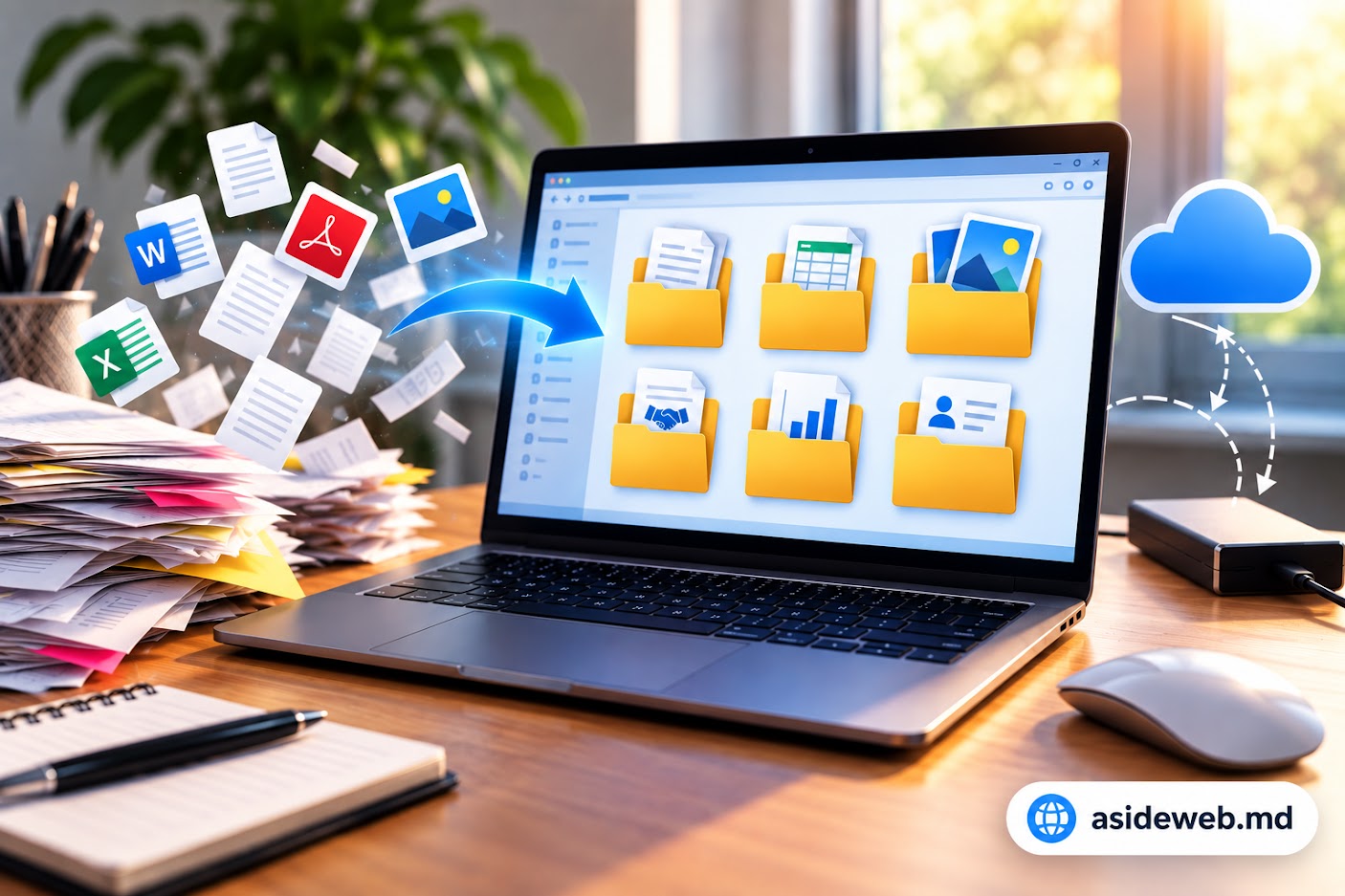
How to Properly Store Important Documents on a Computer

How to Properly Store Important Documents on a Computer
Documents quickly accumulate on any computer: contracts, invoices, reports, spreadsheets, photos, scans, and work files. When everything is stored on the desktop or in a single folder, finding a specific document can become difficult.
A simple and logical folder structure makes it easier to find files and reduces the risk of accidentally deleting an important document.
1. Do Not Store All Documents on the Desktop
The desktop is convenient for quick access, but it is not the best place to store every document. When dozens or hundreds of files are displayed there, finding the right one becomes inconvenient.
Instead, create several main folders and organize documents by category, project, or type of work.
2. Create a Simple Folder Structure
You do not need dozens of levels of nested folders. A simple structure is easier to use and maintain.
For example:
- Documents
- → Contracts
- → Invoices
- → Reports
- → Personal Documents
For a company or project, you can create a separate main folder and keep all related documents inside it.
3. Use Clear File Names
A file named “New Document”, “Scan001”, or “final-final-2” does not tell you much about its contents.
Use descriptive names instead, such as:
- Contract_Client_2026
- Invoice_September_2026
- Sales_Report_2026
- Web_Services_Proposal
This makes it easier to understand the contents of a document even when you find it through Windows Search.
4. Add Dates to Important Documents
If you work with several versions of the same document, adding a date to the file name can make it much easier to identify different versions.
For example:
- Proposal_2026-09-01
- Proposal_2026-09-15
- Proposal_2026-09-28
This makes it easier to identify the most recent version.
5. Keep Personal and Work Documents Separate
If you use the same computer for work and personal tasks, it is better to keep these documents in separate folders.
For example, you can create separate folders for Work, Personal Documents, Studies, and Projects.
6. Avoid Creating Too Many Copies of the Same Document
It is easy to end up with files such as “Report Final”, “Report Final 2”, “Report New”, and “Report Final Version”. Over time, it becomes difficult to know which file is actually current.
For active projects, establish a simple version naming rule and use it consistently.
7. Use the Right Storage Location
Documents can be stored on the computer’s drive, on an external storage device, or in cloud storage, depending on your needs.
For work files that need to be accessed from different devices, cloud storage can be convenient. Files that are rarely used can be kept on an external storage device.
8. Protect Important Documents
Documents containing personal information, client information, or other sensitive data should be handled carefully.
Use a strong password for your user account and avoid leaving confidential documents accessible on a computer used by other people.
9. Review Old Documents Regularly
Every few months, it is useful to review accumulated documents and separate active files from documents that are no longer used regularly.
You do not necessarily have to delete every old document. Some files may become useful later. You can create a separate folder such as Archive for documents that are not needed every day.
10. A Simple Structure for Your Documents
For most users, a simple structure can look like this:
- Documents
- → Personal
- → Work
- → Projects
- → Invoices
- → Contracts
- → Archive
Conclusion
Proper document storage does not require a complicated system. A few logical folders, clear file names, and a consistent approach to versions can make everyday work much easier.
The simpler and more logical the structure, the faster you will be able to find the document you need.
Have a Project in Mind?
Tell us about your project and we will help you find the best solution.