
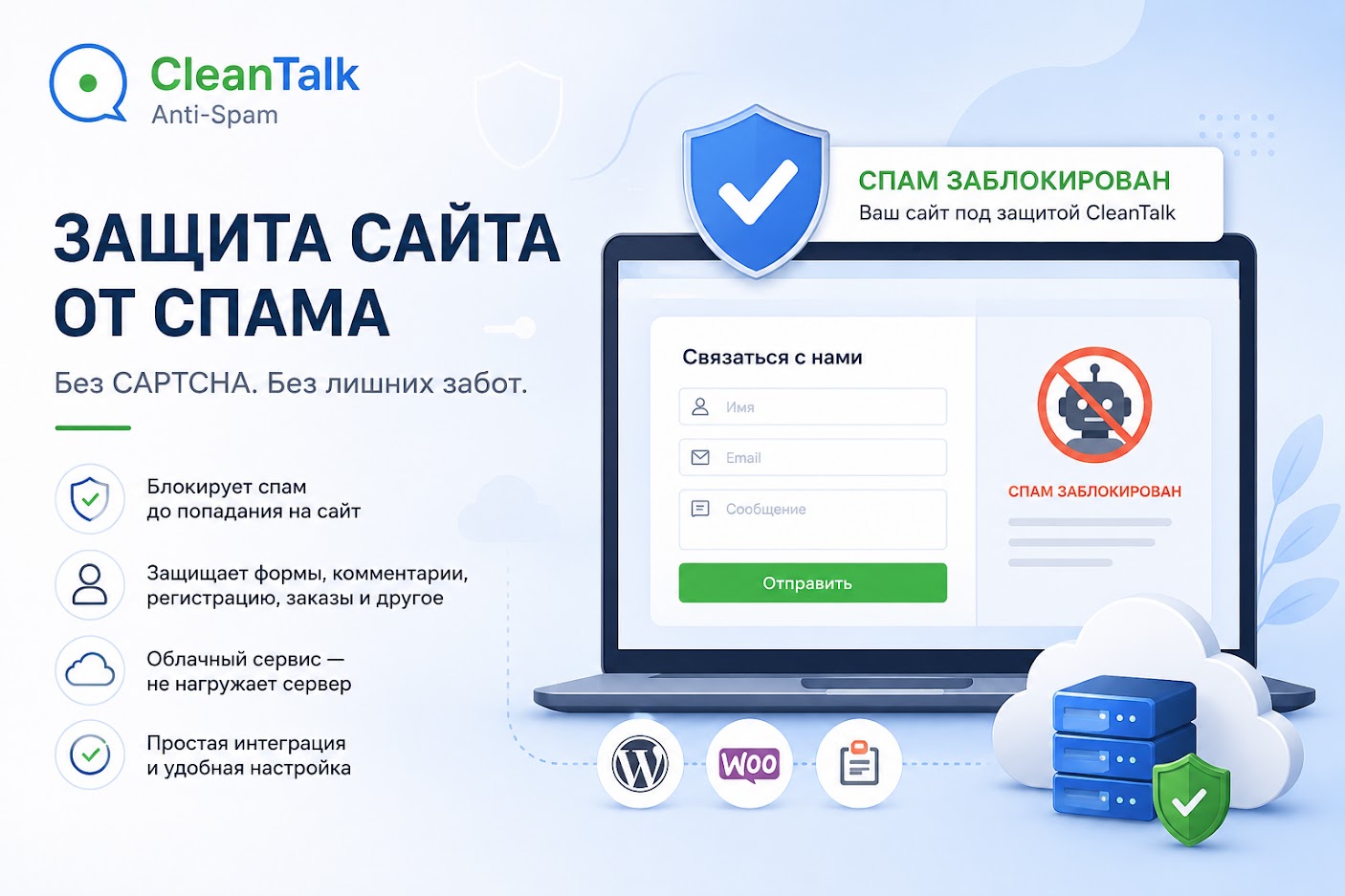
CleanTalk Anti-Spam Review: Website Spam Protection Service

CleanTalk Anti-Spam Review: Website Spam Protection Service
Spam is one of the common problems faced by website owners. The more contact forms, comments, registrations, or orders a website has, the more opportunities automated bots have to submit unwanted messages. As a result, website owners may receive large numbers of spam requests, comments, and emails that have to be removed manually.
In this article, we take a practical look at CleanTalk Anti-Spam, a cloud-based service designed to protect websites from spam. We will look at which website elements it can protect, how the verification process works, and how this approach differs from traditional CAPTCHA protection.
What Is CleanTalk Anti-Spam?
CleanTalk Anti-Spam is a cloud-based spam filtering service. Its purpose is to identify suspicious activity before an unwanted message, comment, form submission, or other action is processed by the website.
The service can be used to protect contact forms, comments, user registration, WooCommerce orders, subscription forms, booking forms, and other web forms. For custom-built websites, CleanTalk also provides an Anti-Spam API that allows developers to integrate spam checking into a custom form or other website functionality.
How Does Spam Protection Work?
The basic principle is relatively simple. A visitor submits a form, posts a comment, or performs another action on the website. The CleanTalk plugin or integration sends the required parameters to the cloud service, where they are analyzed. The system then returns the verification result.
If the request is identified as normal activity, the visitor can continue using the website. If the system detects signs of spam, the submission can be blocked. Verification results can also be reviewed in the service logs.
The Main Advantage: No CAPTCHA
Many websites use CAPTCHA to distinguish real users from automated bots. The problem is that this additional verification also creates friction for normal visitors. Users may have to select images, enter characters, or complete another task before they can submit a form.
CleanTalk takes a different approach: verification runs in the background, so visitors do not have to solve a CAPTCHA or complete an additional challenge. This can be especially useful for business websites where contact and inquiry forms should be as simple and convenient as possible.
What Can CleanTalk Protect?
CleanTalk is not limited to comment protection. The service can be used to protect different points where visitors interact with a website.
These include contact forms, user registration, comments, WooCommerce orders, subscriptions, booking forms, and custom web forms. For WordPress, CleanTalk also provides integrations with various popular form plugins.
CleanTalk for WordPress
For WordPress, CleanTalk provides a dedicated Anti-Spam plugin. After installation, the plugin allows the website to be connected to the service and spam protection to be configured for different website elements.
The settings include additional options such as custom blacklists and whitelists, checking existing users and comments, comment management, protection for registration and contact forms, filtering of disposable email addresses, statistics, and anti-spam event logs.
For online stores, WooCommerce protection can be particularly useful because spam can appear not only through standard forms but also through user registration and the checkout process.
SpamFireWall for Additional Protection
The solution also includes SpamFireWall. Unlike checking a form after it has been submitted, this mechanism is designed to block known sources of spam before the page is fully loaded.
This can be useful for websites that regularly receive large amounts of automated traffic. If a request comes from a source associated with a high level of spam activity, access can be blocked.
Advantages of CleanTalk Anti-Spam
The main advantage of the service is automatic spam filtering without requiring visitors to complete a CAPTCHA. This is particularly important for websites where the number of inquiries depends partly on how easy the contact form is to use.
Other advantages include cloud-based processing, protection for multiple types of forms, integration with WordPress and WooCommerce, event logs, and additional configuration options. Developers can also use the API when the standard integration does not provide enough flexibility.
Are There Any Disadvantages?
CleanTalk should not be considered a universal replacement for all website security measures. Anti-spam protection is primarily designed to deal with unwanted activity and automated spam bots, while comprehensive website security also requires CMS and plugin updates, backups, SSL, access control, and other security measures.
The cloud-based nature of the service also means that the website communicates with CleanTalk infrastructure during the verification process. For this reason, it is always worth reviewing the service settings, terms of use, and information transmitted for verification before integrating an external service.
Who Is CleanTalk Anti-Spam For?
The service can be useful for website owners who are already dealing with spam or want to protect their forms from automated submissions in advance. It can be used on corporate websites, blogs, service websites, online stores, and projects that include user registration.
For WordPress websites, installation is simplified through the available plugin. For custom-built websites, developers can consider using the Anti-Spam API and integrating the verification directly into their own system.
My Conclusion
CleanTalk Anti-Spam is a practical solution for websites that need to reduce automated spam. One of its most interesting features is the CAPTCHA-free approach: visitors can use forms normally while the verification process runs in the background.
For a standard WordPress website, the dedicated plugin is the most straightforward option, while custom projects can consider API integration. At the same time, anti-spam protection should be viewed as one part of overall website security rather than a replacement for all other security measures.
If a website receives inquiries, comments, or registrations, spam can quickly become a noticeable problem. Automatic filtering can reduce the number of unwanted submissions and the amount of time spent on manual moderation.
If you are developing a business website, it is also worth considering form protection during the development stage. At AsideWeb.md, we create websites with a professional structure and design and can take such requirements into account before the project is launched.
Have a Project in Mind?
Tell us about your project and we will help you find the best solution.