MPower Moldova: How to Grant and Manage Digital Authorizations

What Is MPower and What Is It Used For?
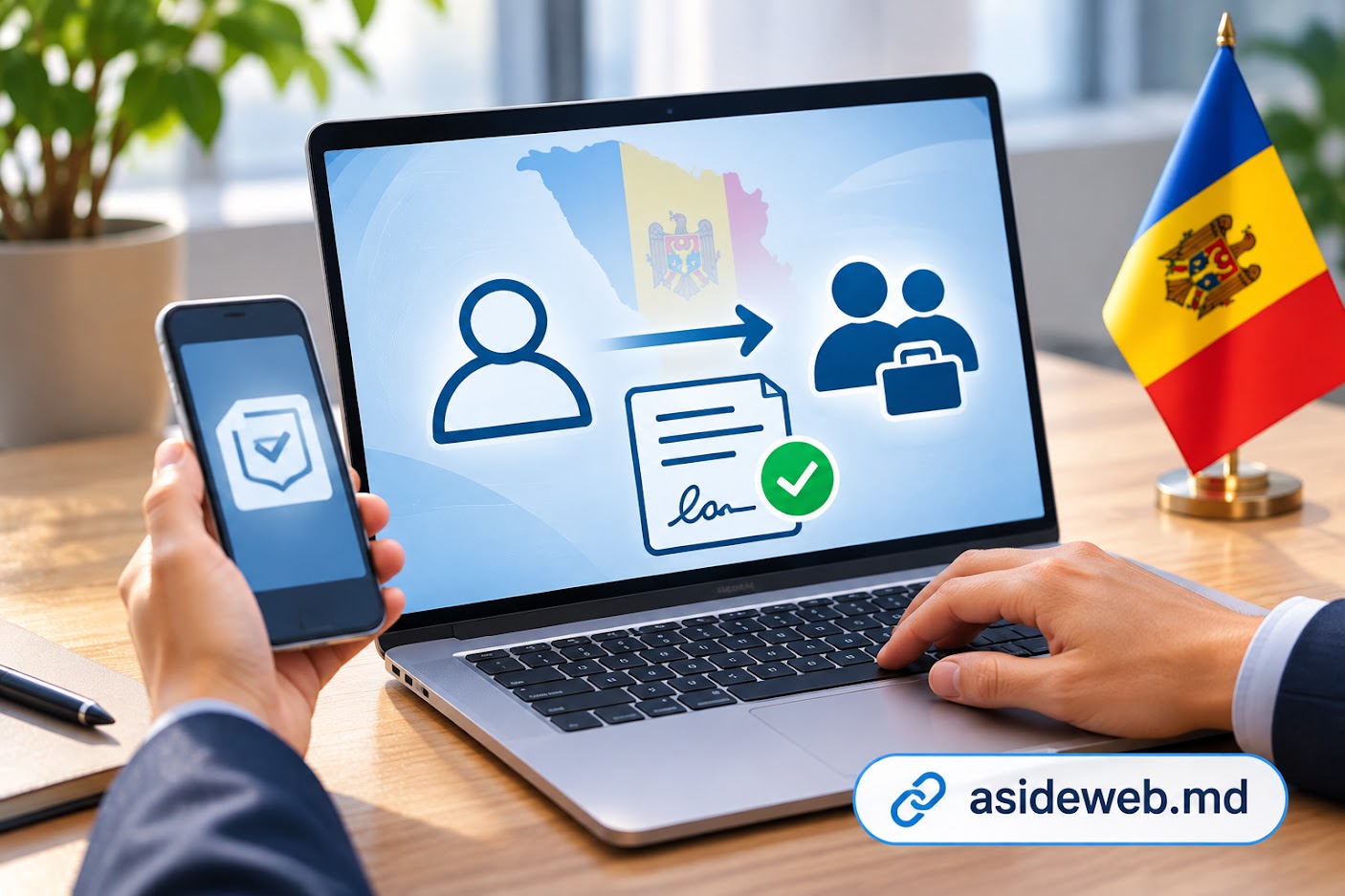
MPower is a government service in the Republic of Moldova designed to create and manage digital authorizations for representation. It allows an individual or legal entity to authorize another person or entity to act on their behalf when requesting specific services or carrying out certain procedures.
For example, if you cannot visit a public institution in person, you may authorize someone else to submit documents, request certain information or collect documents, provided that an appropriate authorization type is available for the service you need.
MPower is the Electronic Register of Powers of Representation Based on Electronic Signatures. It was developed by Moldova’s Electronic Governance Agency and enables users to grant, view, verify and revoke digital authorizations.
When Can You Use MPower?
Available authorization types depend on the services integrated into the platform and the requirements of each institution. Examples of possible uses include:
- submitting applications and documents to the Public Services Agency (ASP);
- representation in certain vehicle registration procedures;
- requesting or collecting civil status documents;
- collecting registered mail and postal items;
- obtaining certain cadastral information and documents;
- carrying out specific procedures with the State Tax Service;
- delegating access rights to digital services provided by public institutions or companies.
The list may change as new services are integrated. Before creating an authorization, check the current options in the relevant section of mpower.gov.md.
How to Create a Digital Authorization Through MPower
To authorize another person, the person granting the authorization must authenticate and confirm the operation using an electronic signature. Depending on the available options, you can use the MPower portal or the “Împuterniciri” module in the EVO application.
Main Steps
- Visit mpower.gov.md or open the EVO application and access the “Împuterniciri” module.
- Authenticate using an available method and provide an electronic signature when requested.
- Select the authorization type that matches the service you need.
- Enter the details of the person or entity you want to authorize.
- Set the authorization period according to the available options.
- Review the information carefully and confirm the authorization with your electronic signature.
The interface and exact steps may vary depending on the authorization type and platform updates. Follow the instructions displayed by the service and make sure the authorization has been successfully registered.
Do You Need an Electronic Signature?
The person granting the authorization must authenticate and electronically sign the operation. Depending on the available method, this may involve a mobile electronic signature or another signing method supported by the system.
The authorized representative generally does not need their own electronic signature merely to present or verify an authorization that has already been issued. They must provide the required identification and other documents specified by the institution delivering the service.
How to Present and Verify an Authorization
Once issued, an authorization receives a unique code. The appointed representative can present this code together with an identity document at the institution where the service is requested, subject to that institution’s requirements.
You can check the authorization’s validity on mpower.gov.md in the “Verifică” section. Enter the authorization code to view its status and associated details. This allows the institution to confirm whether the representative is authorized to act on your behalf for the relevant procedure.
Can You Change or Revoke an Authorization?
Yes. MPower provides tools for managing previously granted authorizations. Depending on the document type and available functions, you may view its details, suspend it or revoke it. The EVO application also provides options for viewing and managing digital authorizations.
If you no longer want someone to represent you, check the authorization status and use the revocation function if it is available for that document. Do not assume that an authorization has automatically ended simply because you no longer need it.
Is MPower Free? Does It Replace a Notarized Power of Attorney?
The government MPower service is free to use for granting and managing authorizations. In certain situations, this can reduce the time and expenses associated with representation procedures.
However, MPower does not replace every notarized power of attorney. The platform supports only those authorizations for which the law and the relevant service provider allow an electronic format. If notarization is legally required or the requested service is not included in MPower, you must follow the applicable procedure.
Can You Use MPower While Living Abroad?
Yes. Moldovan citizens living abroad can grant authorizations through MPower if they have an electronic signature accepted by the system and meet the authentication requirements. This makes it possible for someone outside Moldova to authorize a person in the country to carry out specific actions on their behalf without travelling back solely to arrange that authorization.
How to Use MPower Safely
- Check the identity of the person you are authorizing.
- Select only the authorization type you actually need.
- Review the validity period before signing.
- Never share authentication codes or access details for your electronic signature.
- Check the authorization status and revoke it when it is no longer needed.
- Access the service only through the official mpower.gov.md address or the EVO application.
Conclusion: Remote Representation Without Unnecessary Visits
MPower simplifies the way individuals and legal entities authorize others to represent them in certain interactions with public institutions and service providers. With an electronic signature, authorizations can be created and managed online, while their validity can be checked without additional visits.
Before creating an authorization, review the current list of available types and the requirements of the institution where it will be used. Official information is available on mpower.gov.md and through the EVO application.
Have a Project in Mind?
Tell us about your project and we will help you find the best solution.