Electronic Signature in Moldova: A Practical Guide

What Is an Electronic Signature and Why Is It Needed?
More and more public and commercial services in Moldova are becoming available online. Many tasks can now be completed without visiting an institution: submitting an application, sending documents, signing a contract or accessing personal information. An electronic signature is used to carry out many of these operations.
An electronic signature is a digital tool that makes it possible to identify the person who signed a document and confirm their agreement with its contents. Depending on the type of electronic signature, the level of protection and the legal consequences of its use may differ.
In the Republic of Moldova, electronic signatures are regulated by Law No. 124 of 19 May 2022 on Electronic Identification and Trust Services. The law establishes the rules for using electronic signatures and the legal status of electronic documents.
Does an Electronic Signature Have the Same Legal Force as a Handwritten Signature?
It is important to distinguish between different types of electronic signatures. Under Law No. 124/2022, a qualified electronic signature has the same legal effect as a handwritten signature on a paper document.
Other types of electronic signatures may also have legal consequences and be accepted as evidence. However, treating such signatures as equivalent to handwritten signatures depends on the cases expressly provided for by law or agreed upon by the parties.
Therefore, a photograph of a signature, an image inserted into a Word document or a signature drawn with a finger on a screen cannot automatically be considered a qualified electronic signature.
What Types of Electronic Signatures Are Available in Moldova?
Residents of the Republic of Moldova can choose from several ways to obtain and use an electronic signature. The choice depends on the devices you use, the digital services you work with and the option that is most convenient for you.
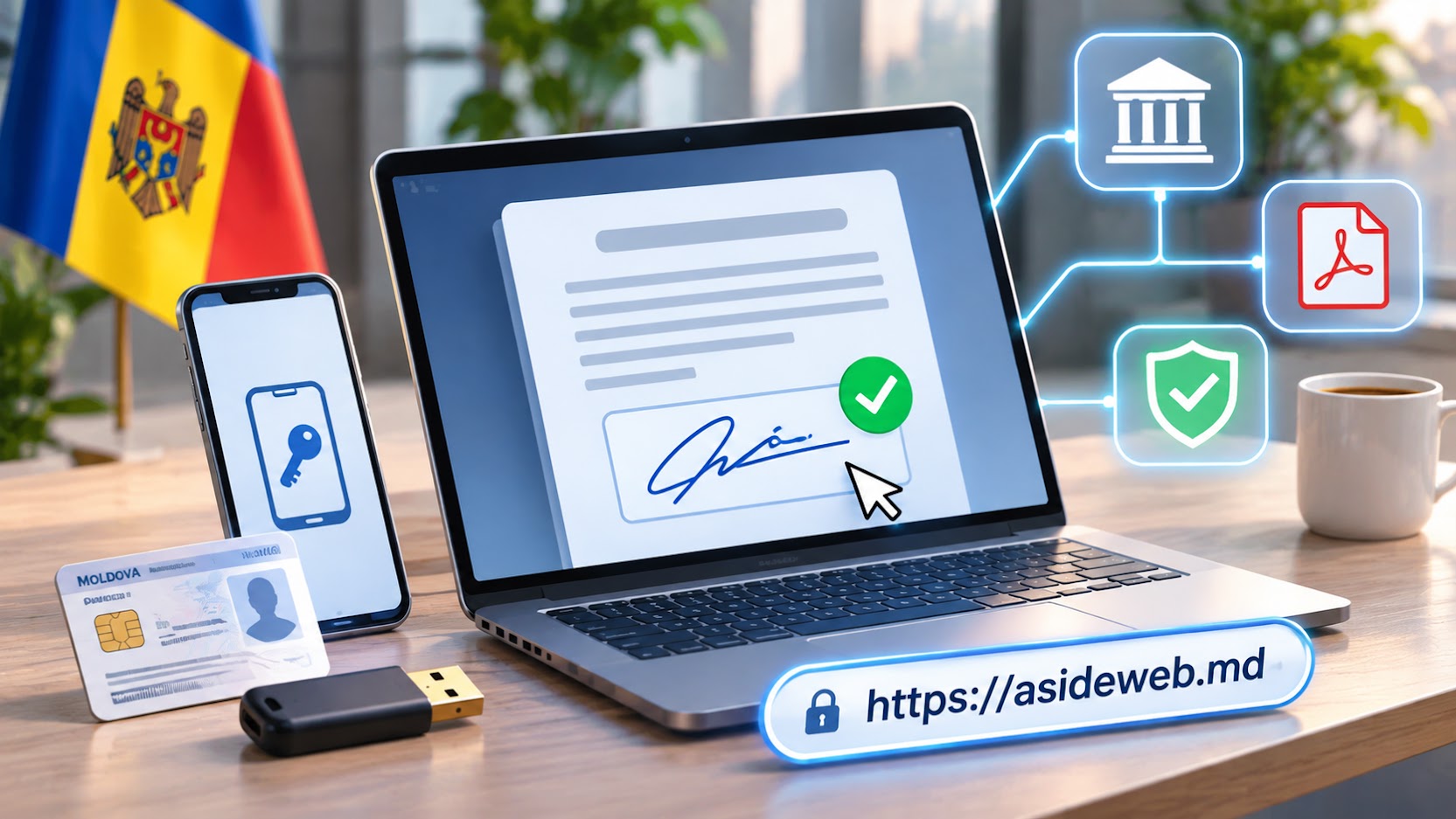
1. Mobile Electronic Signature
A mobile signature can be obtained from the Orange or Moldcell operators. It allows users to authenticate themselves in digital systems and sign documents directly from a mobile phone, including when using eSIM.
To activate the service, you need to visit a mobile operator’s office, present your identity document and set up a personal PIN code. According to information published on the EVO portal, the signature is valid for two years from activation, while the service price is determined by the operator.
2. Electronic Signature in the New Identity Card
The new identity card with an electronic chip may include a qualified electronic signature. It is intended for signing documents, electronic identification and accessing government digital services.
Using the signature requires a card reader, special software and the appropriate drivers. PIN and PUK codes are provided with the document. When applying for an identity card, you must select the option to activate the electronic signature.
3. Electronic Signature on a USB Token
This option is convenient for people who regularly sign electronic documents using a computer. The electronic signature is stored on a special USB device called a token.
To obtain the signature, you need to complete an application on semnatura.md or visit an authorised centre. After receiving the device, you must install the software and drivers, connect the token to your computer and use your PIN code to sign documents.
At the time of verification, the official EVO page indicated a price of 485 lei and a validity period of two years for the USB signature. Before applying, it is recommended to check the current fees and conditions with the service provider.
How to Sign a Document Online Using MSign
MSign is a government service designed for electronic document signing and authenticity verification. It allows users to sign PDF files without printing them beforehand or visiting public institutions.
To sign a document, follow these steps:
- Open the official website msign.gov.md.
- Select the “Sign” function (Semnează).
- Upload your document in PDF format.
- Choose an available signing method: mobile signature, identity card or USB token, depending on the options offered by the platform.
- Follow the system instructions and enter your PIN code if requested.
- Download the signed document and keep its original electronic file.
It is recommended to store the signed document in electronic format. Do not replace the original PDF with a photograph or a scanned printout: such copies do not preserve the technical data required to verify the electronic signature.
How to Check Whether a Document Has Been Properly Signed
Receiving a PDF file does not automatically mean that its electronic signature is valid. Before using an important document, it is recommended to verify the authenticity of the signature and the identity of the person who signed it.
You can use the MSign platform for verification:
- Visit msign.gov.md.
- Select the “Verify” function (Verifică).
- Upload the PDF document containing the electronic signature.
- Review the verification result and the information about the signature.
The service may show whether the signature is valid, who signed the document and whether any changes to its contents have been detected. If the system reports an error, do not automatically consider the document authentic. Ask the sender to provide the original electronic file and an explanation.
Where Can You Use an Electronic Signature in Moldova?
Electronic signatures are not only useful for entrepreneurs and organisations. They can also be valuable to ordinary citizens in many different situations.
- Signing documents and contracts through MSign;
- Accessing government digital services through EVO;
- Authenticating in government information systems connected to MPass;
- Granting authorisations and representation rights through MPower;
- Submitting electronic declarations and reports;
- Sending applications and documents to public institutions;
- Signing invoices, contracts and official company documents.
You can find more information about obtaining and using an electronic signature on the EVO portal, in the “Electronic Signature” section. Page address: evo.gov.md/acasa/elektronnaya-podpis.
What Should You Do If You Forget Your PIN or Lose Your Device?
The PIN code is an important part of electronic signature security. Do not share it with other people or store it somewhere publicly accessible.
If you have forgotten your PIN or it has been blocked, check whether you still have the PUK code issued when the signature was obtained. Depending on the signature type and the provider’s rules, it may be required to unlock it.
If you lose your phone, USB token or identity card, contact your electronic signature provider as soon as possible. Ask about the procedure for suspending or revoking the certificate and obtaining a new signature.
For questions about electronic signatures, you can contact STISC by phone at 022 820 911 or visit semnatura.md.
How to Protect Your Electronic Signature
An electronic signature is linked to your digital identity. If an unauthorised person gains access to your device or security codes, they may attempt to perform actions in your name.
Follow a few simple rules:
- Never share your PIN or PUK codes with anyone;
- Do not confirm a signature until you have checked the document and its recipient;
- Download software and drivers only from official sources;
- Keep your USB token in a safe place;
- Check the certificate’s validity period regularly;
- If you suspect that your signature has been compromised, contact the service provider immediately.
You can find additional recommendations on protecting personal information in our article “Cyberattack in Moldova: How to Protect Personal Data”: asideweb.md/ru/kiberataka-v-moldove-kak-zashhitit-lichnye-danny/.
Conclusion: An Electronic Signature Makes Digital Life Easier
An electronic signature makes it possible to complete many tasks remotely that previously required printing documents and visiting institutions. Several options are available in Moldova: a mobile signature, a signature included in the new identity card and a USB token signature.
The key is to choose the right option, understand the differences between electronic signature types and verify documents before using them. When used correctly, an electronic signature saves time and makes interaction with digital services simpler and safer.
Have a Project in Mind?
Tell us about your project and we will help you find the best solution.